










About Kaku: Shikaku Logic Puzzle
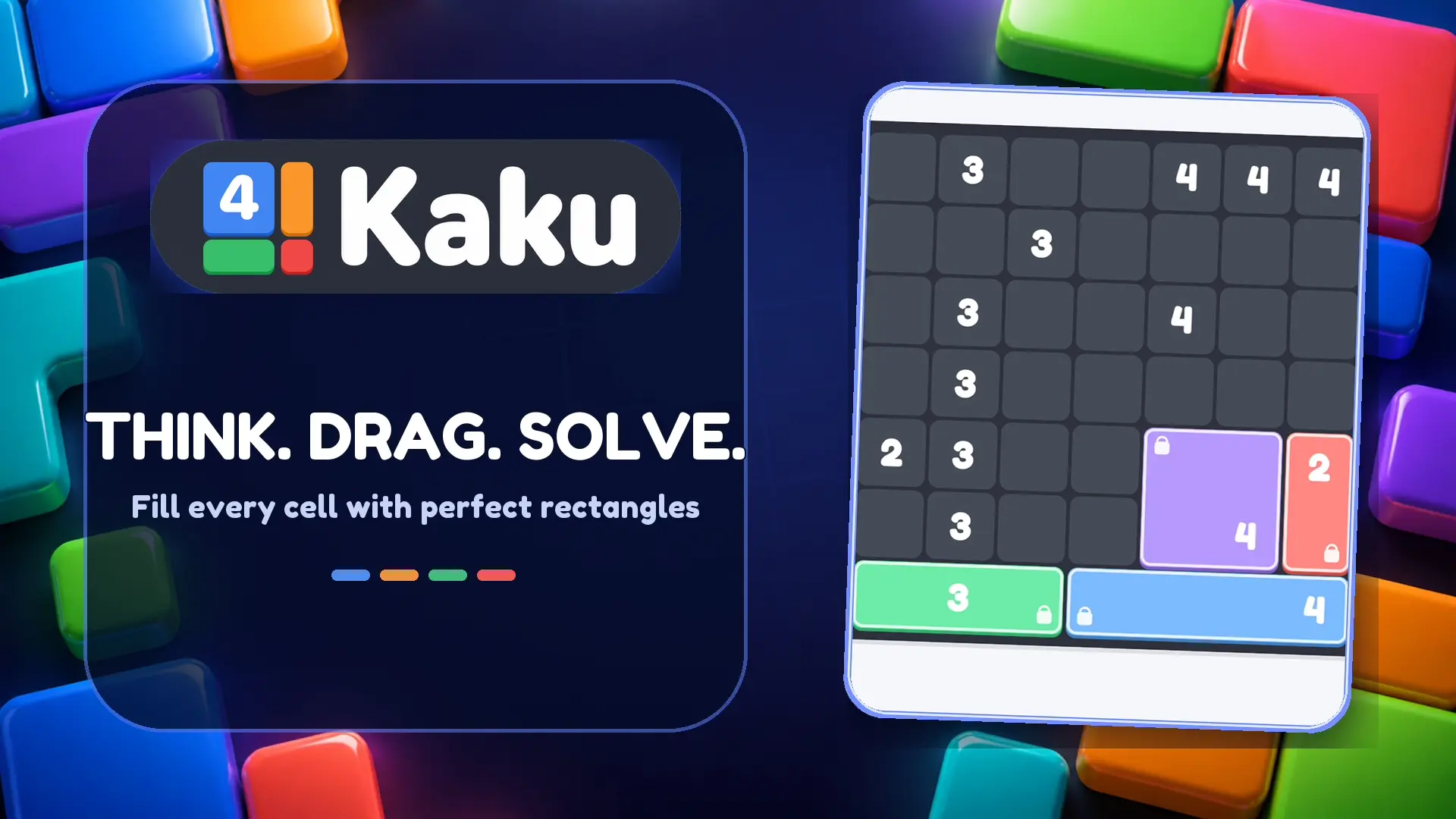
Train your brain with Kaku: Shikaku Logic Puzzle, a relaxing yet highly stimulating brain teaser based on the classic Japanese Shikaku (rectangle division) ruleset. Your objective is to split a grid completely into non-overlapping rectangles. The catch is that every single rectangle you draw must contain exactly one number, and that number must perfectly equal the total amount of cells the rectangle covers.
Featuring 2,000 handcrafted levels spread across 4 distinct difficulty tiers, the game scales gently from easy beginner grids up to intense Expert 13×13 boards that will truly test your spatial logic. As you solve puzzles, your in-game IQ score grows, allowing you to climb global leaderboards. With daily challenges, monthly trophies, and a helpful hint system, Kaku delivers an endless supply of satisfying mathematical logic.
Why We Recommend Playing Kaku: Shikaku Logic Puzzle
Finding a number puzzle that pairs minimalist rules with deep logical deduction creates a perfect daily brain-training habit. Here is why this Shikaku game stands out:
- Classic Shikaku Rules: A pure, faithful adaptation of the beloved rectangle division logic puzzle.
- 2,000 Handcrafted Levels: Enjoy a massive volume of unique puzzles spanning 4 difficulty levels, culminating in massive Expert 13×13 grids.
- IQ Score Progression: Watch your personal IQ rating increase with every successfully cleared board and compete on the leaderboards.
- Daily Challenges & Trophies: Keep your mind sharp by tackling fresh daily puzzles to earn exclusive monthly trophies.
- Accessible Hint System: Never stay stuck for long; activate a hint to instantly reveal one correct rectangle placement on your current board.
- Clean, Relaxing Interface: Intuitive drag-to-draw controls and colorful block visuals make solving complex boards a stress-free experience.
How to Play Kaku: Shikaku Logic Puzzle
Filling the board perfectly requires careful deduction and spatial planning:
- Draw Rectangles: Look for a number on the grid, then drag your cursor or finger to draw a rectangle that covers exactly that number of cells.
- One Number Per Shape: Ensure that the rectangle you draw encompasses only one number.
- Match the Size: The total area (number of cells) of your drawn shape must equal the digit inside it (e.g., a “4” must be covered by a 1×4, 4×1, or 2×2 rectangle).
- Fill the Grid: Continue drawing shapes until the entire board is covered with zero empty gaps and zero overlapping rectangles.
- Erase Mistakes: If you make a mathematical error, simply tap or click a placed rectangle to remove it and try again.
Pro Tips for Logic Masters
- Start with Prime Numbers: Numbers like 2, 3, 5, or 7 can only be drawn as straight lines (1×2, 1×3, 1×5). Anchor your board by placing these restrictive shapes first.
- Look at the Corners: Cells trapped in the corners of the board often only have one valid number that can reach them. Work your way inward from the edges.
- Count Your Remaining Space: If you draw a large rectangle that isolates a single empty cell with no numbers nearby to claim it, your placement is incorrect. Always ensure your shapes leave viable paths for the remaining numbers.
Controls
Desktop Controls (PC & Laptop)
- Draw Rectangle: Hold Left Mouse Button (LMB) and drag across the grid cells.
- Remove Rectangle: Left-Click on any placed rectangle to delete it.
Mobile Controls (Smartphone & Tablet)
- Draw Rectangle: Swipe and drag your finger across the screen to highlight cells.
- Remove Rectangle: Tap a placed block to erase it.