









About Ash of the Front Game
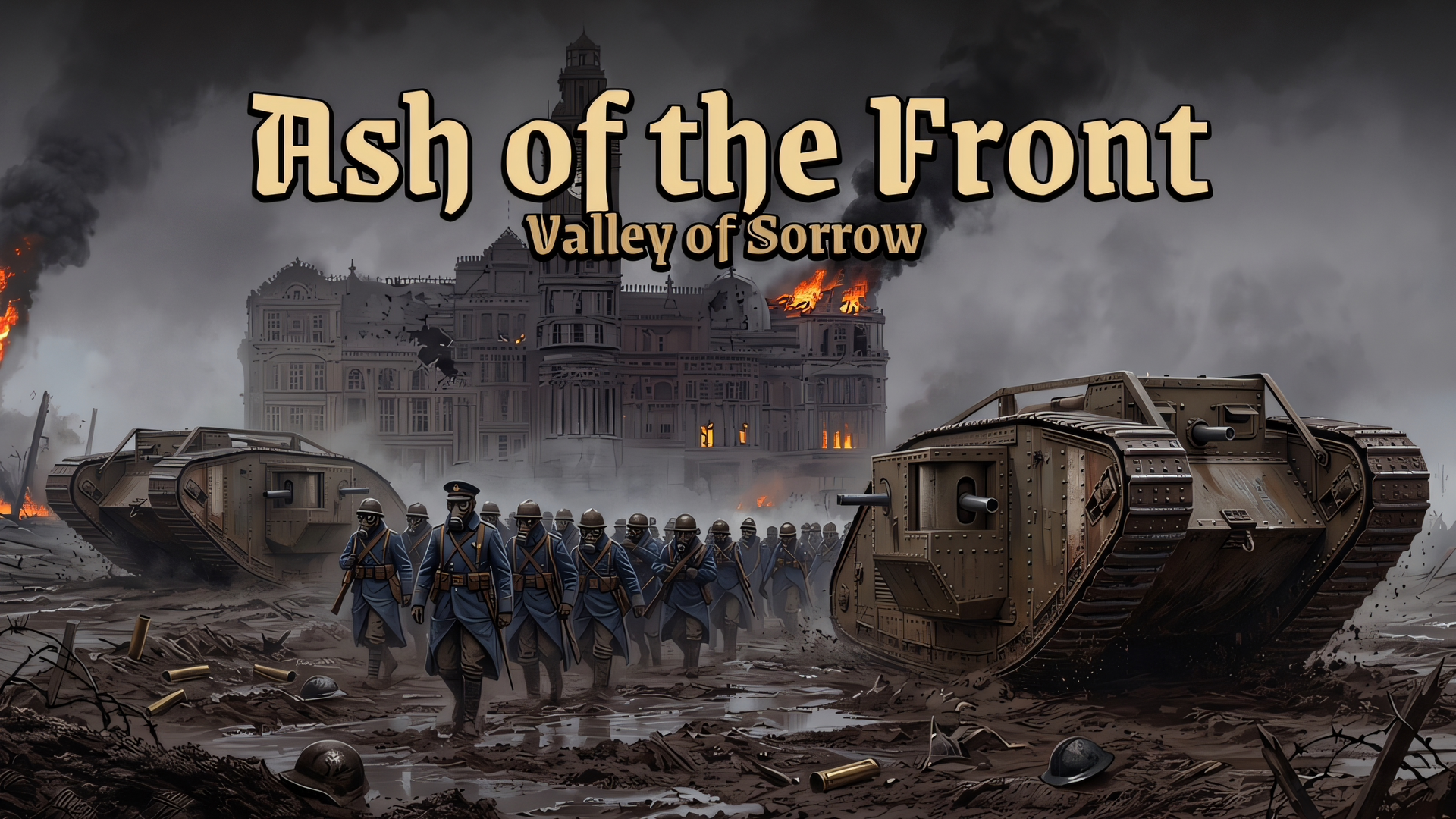
Enter a brutal war of attrition in Ash of the Front Game, a grim real-time strategy (RTS) simulator set in a fictional dieselpunk world. For forty years, the war has devastated the Valley of Sorrow, the final pass protecting the glowing city of Calder. Taking command of the Ash Corps, you must hold the line against the relentless Rust Legion.
Briefed by Marshal Weyland before every deployment, you will command massive companies of gas-masked infantry, heavy tanks, and artillery. The game features a dynamic, destructible world where shells crumble stone walls, buildings collapse, and fire spreads dynamically through the grass. With a sprawling 12-mission campaign featuring breakthroughs, desperate last stands, and citadel sieges, plus an endless Skirmish mode on random maps, Ash of the Front delivers intense tactical warfare across five brutal theatres of war.
Why We Recommend Playing Ash of the Front Game
Finding an RTS that captures the massive scale of trench-and-tank warfare with fully destructible environments offers a deeply immersive tactical experience. Here is why this dieselpunk strategy game stands out:
- Epic 12-Mission Campaign: Fight through dynamic scenarios including brutal breakthroughs, desperate last stands, and massive citadel sieges.
- Massive Unit Scale: Command hundreds of soldiers simultaneously as infantry dynamically go prone, rush positions, and fire from occupied buildings.
- Fully Destructible Environments: Watch the battlefield scar and change as artillery shells obliterate walls, collapse houses, and ignite spreading grass fires.
- Diverse Combat Arsenal: Deploy heavy tanks, mortar teams, deadly gas, devastating air strikes, and heavy artillery barrages.
- HQ Arsenal Progression: Earn battle tokens by winning missions to purchase permanent army upgrades in your headquarters.
- Five Distinct Theatres: Adapt your strategies across grueling environments including thick mud, dead winter, mires, ash wastes, and dense fog.
How to Play Ash of the Front Game
Victory in the Valley of Sorrow requires careful troop positioning and the decisive use of heavy support:
- Follow Marshal’s Orders: Check your primary objectives in the top-left corner to know when to take points, hold the line, or destroy enemy batteries.
- Command Your Troops: Select your infantry or tanks and click to deploy them across the battlefield.
- Utilize Cover: Order your infantry companies to occupy intact buildings so they can safely fire upon enemies from the windows.
- Draw Firing Lines: Deploy your units in precise tactical formations by dragging out custom firing lines.
- Call in Strikes: Use your support cards to call in devastating air strikes, gas attacks, and artillery on enemy strongholds.
- Upgrade at the HQ: Return to the HQ Arsenal between battles to spend your hard-earned tokens on essential army upgrades.
Pro Tips for Ash Corps Commanders
- Garrison Buildings Early: Unprotected infantry will be decimated by artillery and tanks; always rush your squads into buildings to establish heavily fortified chokepoints.
- Use Fire to Deny Area: Since fire spreads dynamically through the grass, you can use incendiary attacks to block enemy advancement routes or flush out entrenched Rust Legion soldiers.
- Stagger Your Artillery: Do not drop all your strikes at once. Keep a heavy artillery or air strike card in reserve to immediately counter enemy tank breakthroughs.
Controls
Desktop Controls (PC & Laptop)
- Select Units: Left Mouse Button (LMB) (Click or Drag a box to select multiple)
- Give Order / Move: Right Mouse Button (RMB)
- Deploy Firing Line: RMB Drag
- Occupy Building: RMB on a building
- Call Reinforcements:
1through0keys - Call Strikes:
Z,X,C,Vkeys - Move Camera:
W,A,S,Dkeys or push mouse to screen edge - Zoom Camera: Mouse Wheel
- Pause Game:
Esckey
Mobile Controls (Smartphone & Tablet)
- Select / Move: Tap a squad to select, then Tap the ground to move.
- Box Select: Long Press and Drag across multiple units.
- Occupy Building: Tap a building while troops are selected.
- Camera / Zoom: One Finger to pan the map; Two Fingers to pinch and zoom.
- Menu Buttons: Use on-screen buttons to Select All, draw a firing Line, Halt, or Clear selection.
- Cards / Strikes: Swipe the bottom cards to deploy reinforcements; Tap a strike card then tap the map target.