





About Brain Dots Game
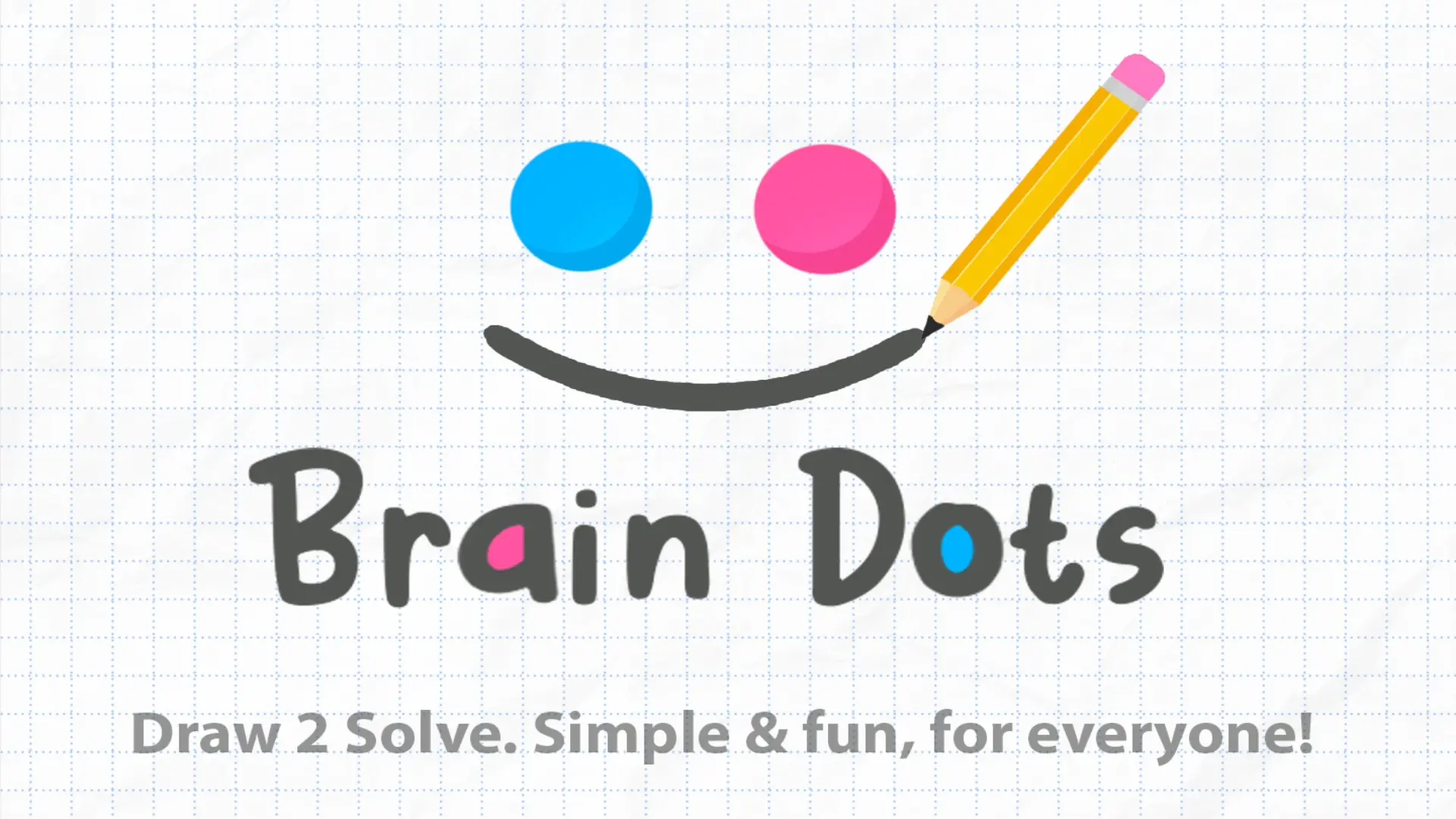
Put your creativity and spatial logic to the test in Brain Dots Game, an inventive physics-based drawing puzzle. Your mission is simple yet endlessly engaging: two colorful balls—one blue and one pink—are separated by tricky gaps, moving platforms, and hazardous obstacles. You must draw lines, curves, and solid shapes anywhere on the screen to manipulate gravity and roll them toward each other.
Because the game is driven by simulated physics, every line you draw interacts directly with the environment and the spheres. You can create ramps to guide rolling balls, build bridges across wide chasms, or drop heavy geometric shapes to bump and launch the balls across the screen. Each level presents a unique obstacle layout, challenging you to think outside the box and find the most elegant and efficient path to complete the puzzle.
Why We Recommend Playing Brain Dots Game
Finding a puzzle game that grants total creative freedom while testing real-time physics problem-solving creates a genuinely rewarding mental workout:
- Open-Ended Solutions: There is no single correct way to solve a stage; any drawn structure that obeys the laws of physics can lead to victory.
- Physics & Momentum Mechanics: Use gravity, angles, and falling weights to nudge, accelerate, and steer the balls.
- Minimalist & Clean Aesthetic: Enjoy a distraction-free grid-paper theme featuring vibrant blue and pink spheres.
- Brain-Teasing Complexity: Progress from simple flat slopes to intricate multi-tiered obstacle courses requiring precise timing and counterweights.
- Accessible Across Devices: Intuitive click-and-drag or touch drawing mechanics make playing effortless on both desktop and mobile.
How to Play Brain Dots Game
Reuniting the two colorful balls requires planning, experimentation, and a steady drawing hand:
- Assess the Layout: Examine the starting positions of the blue and pink balls along with any platforms, walls, or gaps between them.
- Draw Lines and Shapes: Click and drag your mouse or trace your finger across the screen to create custom physical structures.
- Harness Gravity: Draw sloped ramps for the balls to roll down, or sketch weighted shapes directly above a ball to push it forward.
- Avoid Gaps & Hazards: Construct protective barriers or safety nets below open pits to prevent either ball from falling off the screen.
- Make Them Meet: Guide both balls into physical contact with each other to clear the stage and unlock the next puzzle.
Pro Tips for Puzzle Artists
- Use Lever & Pendulum Physics: When a ball is trapped behind a tall wall, draw an inverted “L” or hook shape over a fulcrum point to drop a heavy weight on one side and launch the ball over the barrier.
- Draw Funnels for High-Speed Shots: If both balls are rolling fast from opposite directions, draw an open “V” funnel beneath them so they are funneled into the exact same point and collide reliably.
- Minimize Line Count: Try to solve puzzles using a single continuous stroke rather than cluttering the screen with multiple loose sketches, as excessive falling debris can accidentally block your balls.
Controls
Desktop Controls (PC & Laptop)
- Draw Line / Shape: Click and Drag using the Left Mouse Button anywhere on the canvas.
- Release / Apply Physics: Release the mouse button to drop your drawing into the physical world.
Mobile Controls (Smartphone & Tablet)
- Draw Line / Shape: Tap and Drag your finger across the touchscreen.
- Release / Apply Physics: Lift your finger to finalize the shape and let gravity take over.