








About Homeowner 3D
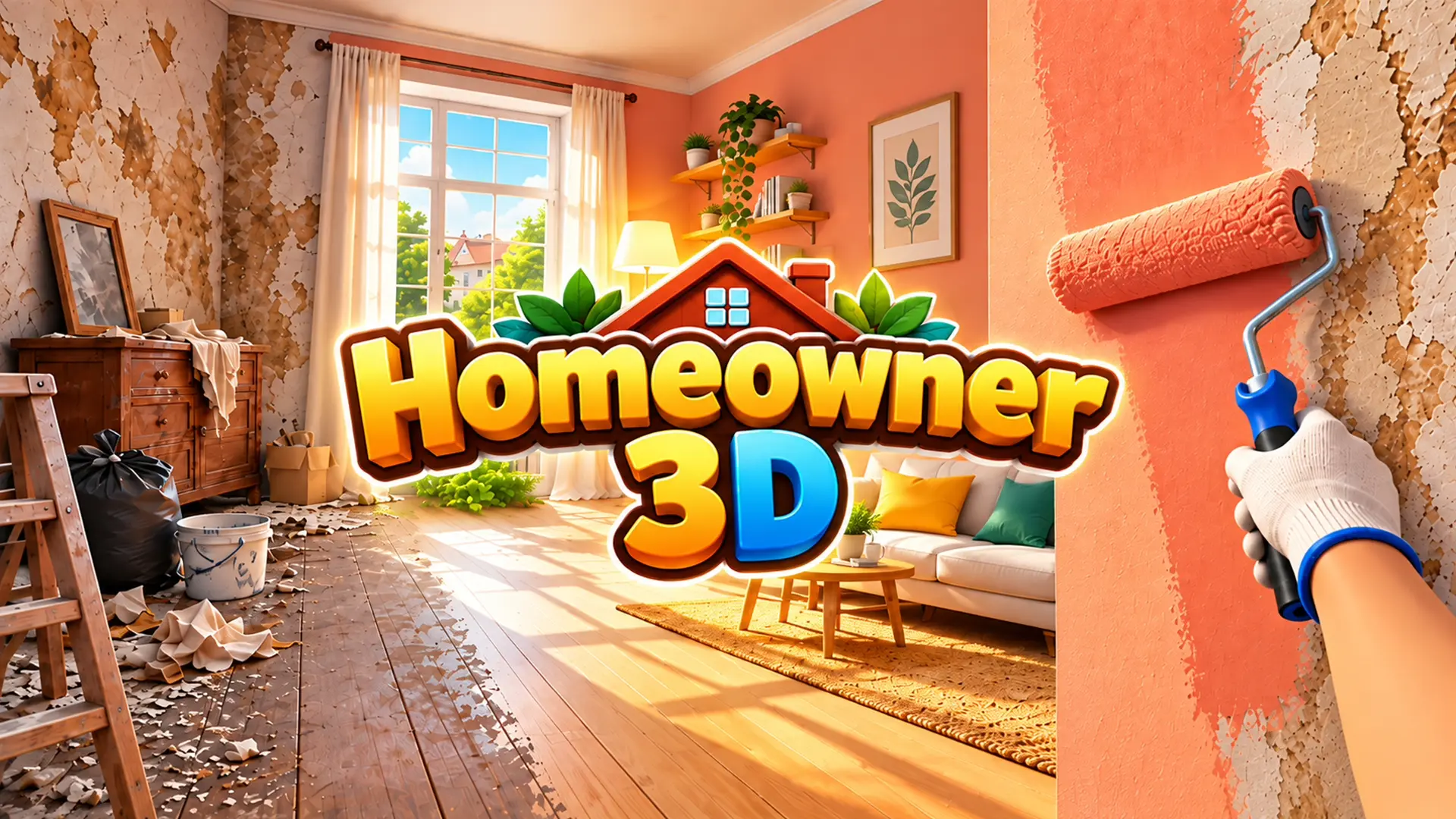
Step into the ultimate Homeowner 3D renovation simulator where you transform run-down properties into stunning dream homes. This relaxing first-person cleaning and home design simulator tasks you with clearing out trash, washing surfaces, and completely revamping messy interiors.
Blending the satisfying mechanics of popular house flipper games with a cozy, low-stress atmosphere, players can paint walls, lay new flooring, and arrange furniture to fulfill client orders. As you earn money from successful renovations, you can buy your own real estate, adopt pets, and decorate your personal headquarters to build a property empire.
Why You Should Play Homeowner 3D
Here is why this satisfying home design simulator is the perfect way to unwind directly in your browser.
- Satisfying Cleaning Mechanics: Experience the ASMR-like satisfaction of holding the action button to scrub away dirt, clear out trash bags, and dismantle old, broken furniture.
- Instant Browser Access: Dive straight into your renovation empire on PC, laptop, or mobile devices with zero downloads or installations required.
- Deep Customization System: Access a comprehensive tablet catalog to purchase new furniture, select wallpaper designs, and lay down fresh flooring and tiles.
- Real Estate Progression: Earn money from client jobs to purchase new tools, adopt pets, and eventually buy and decorate your very own properties.
How to Play & Core Mechanics
Starting your property renovation business is incredibly simple and highly rewarding.
- Step 1 – Accepting Jobs: Open your in-game laptop to pick a new renovation order, then drive your van to the messy property.
- Step 2 – The Cleanup Phase: Start by clearing away all the trash, mopping up puddles, and mowing the overgrown lawn.
- Step 3 – Renovation & Design: Use your tools to paint walls and lay flooring, then arrange the furniture exactly as the owner requested.
- Step 4 – Completing the Job: Take photos of your finished interior design work to get rated by the client and earn your hard-earned cash.
Pro Tips & Strategies to Win
- Clean Before You Build: Always clear out the trash and dismantle old furniture first so you have a clean canvas to lay flooring and paint walls without obstruction.
- Check the Client’s Wishlist: Make sure to arrange the furniture exactly as the owner wants it to maximize your final photo rating and payout.
- Invest in Your Own Property: Don’t just spend money on decorating client houses; save up to buy your own real estate and pets to build a lasting property empire.
Game Controls
Desktop Controls (PC, Laptop & Chromebook)
- Move & Look: Use WASD to walk, Shift to run, and your mouse to look around the room.
- Interact & Clean: Hold Left Mouse Button (LMB) to clean trash or dismantle items; press E to interact with doors, laptops, and the van.
- Tools & Furniture: Press F for tools, Tab for the catalog, use Q/E or the mouse wheel to rotate furniture, and LMB to place it.
Mobile Controls (Phone & Tablet)
- Move & Interact: Use the bottom-left joystick to walk, swipe the screen to look around, and hold the bottom-right action button to clean or take apart items.
Frequently Asked Questions (FAQ)
Is Homeowner 3D free to play? Yes, you can play Homeowner 3D completely free directly in your web browser on ReskVara Bunkurs without any hidden fees or registration.
Do I need to download anything to play Homeowner 3D? No downloads or installations are required. The game is built on HTML5 technology and loads instantly on desktop PCs, laptops, and mobile devices.
What is the best strategy in Homeowner 3D? The best strategy is to always clear out the trash and dismantle old furniture first, ensuring you have a completely clean room before you begin painting walls or laying down new flooring.
👉 Play Similar Games Next: Love satisfying cleaning and decoration mechanics? Check out more free titles in our Simulation & Tycoon Games collection!