






About RC Racing
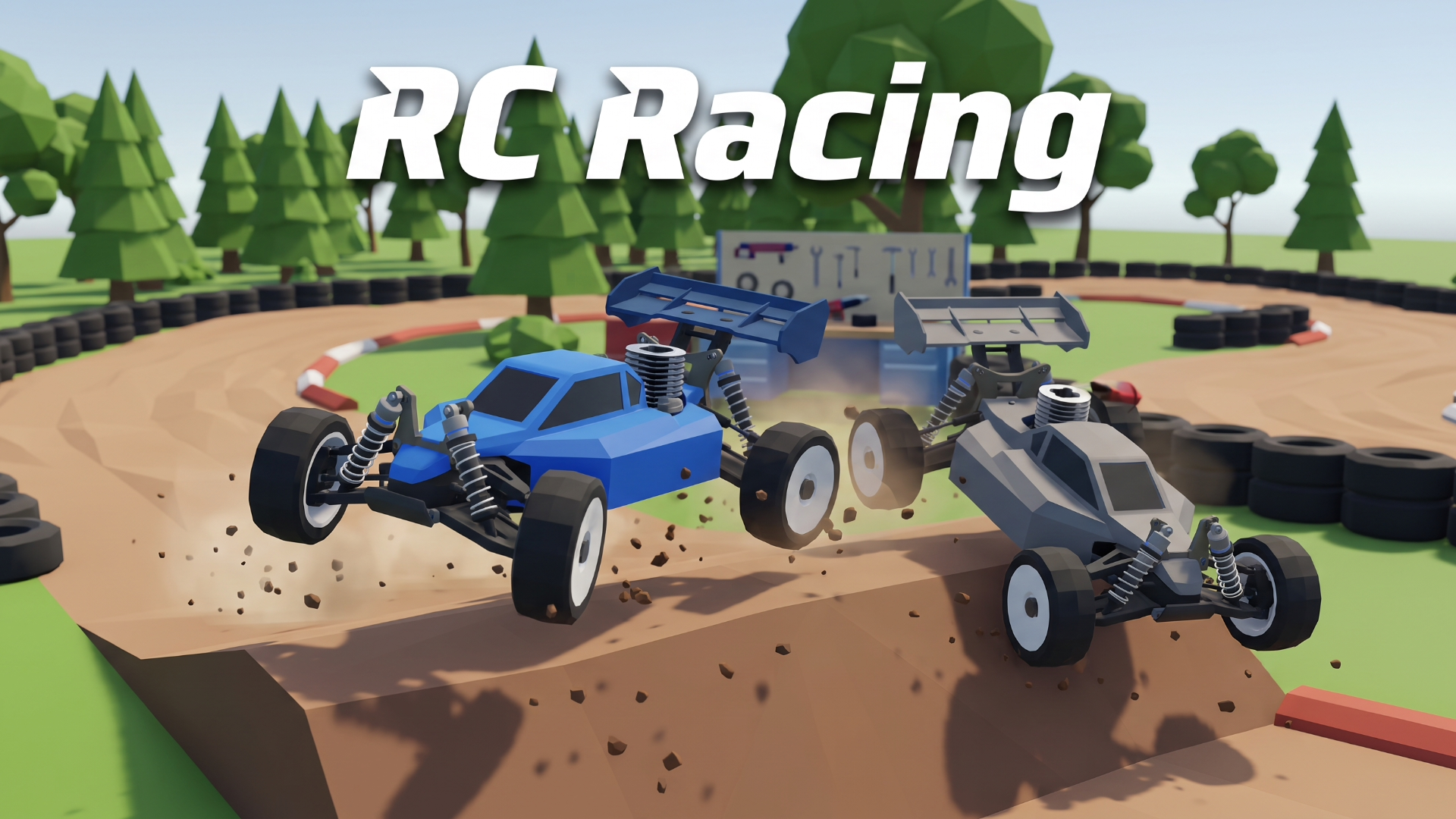
Step onto the drivers’ tower and take control of 1:8 scale nitro buggies in the RC Racing simulator free online. Your objective is to compete against advanced AI rivals across dynamic dirt tracks, climbing the ranks from a local club driver to the World Championship.
Featuring highly realistic driving physics comparable to top-tier sim racers, you must manage your car’s suspension, tire grip, and engine temperature. Blending high-speed arcade action with deep Car Mechanic Simulator-style progression, you will literally rebuild your buggy screw by screw in the workshop after grueling races.
Why You Should Play RC Racing
Here is why this incredibly detailed remote-control car simulator is a must-play directly in your browser.
- Realistic RC Physics: Experience true-to-life nitro engine mechanics, including glow plug management, aerodynamics, and dynamic weather that affects track grip.
- Instant Browser Access: Dive straight into the high-speed racing action on your PC or Chromebook with zero downloads or installations required.
- Deep Tuning & Repairs: Earn prize money from long finals to buy new engines, fit mud tires, and physically repair broken suspension parts that slow you down.
- Advanced AI Rivals: Race against five tough competitors trained through reinforcement learning across five unique tracks, including a Clay Stadium and a Sand Quarry.
How to Play & Core Mechanics
Mastering these nitro buggies requires precise steering and smart pit stop strategies.
- Step 1 – Starting Out: Jump into a quick race or begin your career mode, accelerating from the starting grid to finish ahead of your five rivals.
- Step 2 – Core Loop: Navigate tricky dirt corners and massive jumps while managing your fuel levels and executing pit stops during long tournament finals.
- Step 3 – Progression & Scoring: Finish races to earn prize money, which you must spend in the workshop to repair vehicle damage and upgrade your setup.
- Step 4 – Mastering the Game: Learn the realistic “transmitter” steering style, where your left and right controls are authentically reversed when the car is driving towards you.
Pro Tips & Strategies to Win
- Fix broken parts immediately: Never race with a damaged buggy; broken parts will severely limit your top speed and handling, so visit the workshop after every rough race.
- Swap tires for the weather: Pay attention to the track conditions and always equip mud tires on rainy days to maintain crucial cornering grip.
- Master the realistic steering: If you struggle with the default reversed steering when driving toward the camera, you can switch to the “Simple” control scheme in the settings menu.
Game Controls
Desktop Controls (PC, Laptop & Chromebook)
- Drive & Brake: Press W or Up Arrow for throttle, and S or Down Arrow for brake and reverse.
- Steer: Press A / D or Left / Right Arrows to steer the buggy.
- Menu Actions: Press Esc to pause, Enter for main action, R to restart, and use the mouse wheel to zoom the camera.
- Controller Support: Gamepads and real USB RC transmitters are fully supported and can be configured in the settings.
Mobile Controls (Phone & Tablet)
- Device Support: This highly detailed simulator is exclusively optimized for Desktop PCs and laptops, and does not support mobile touch controls.
Frequently Asked Questions (FAQ)
Is RC Racing free to play? Yes, you can play RC Racing completely free directly in your web browser on RESKVARA BUNKURS without any hidden fees or registration.
Do I need to download anything to play RC Racing? No downloads or installations are required. The game is built on modern web technology and loads instantly on desktop PCs and laptops.
What is the best strategy in RC Racing? The best strategy is to repair broken parts immediately in the workshop and equip the correct tires for the weather conditions so you maintain maximum speed and grip during races.
👉 Play Similar Games Next: Love high-speed physics and deep vehicle tuning? Check out more free titles in our Racing & Driving Simulators collection!