









About SandLab
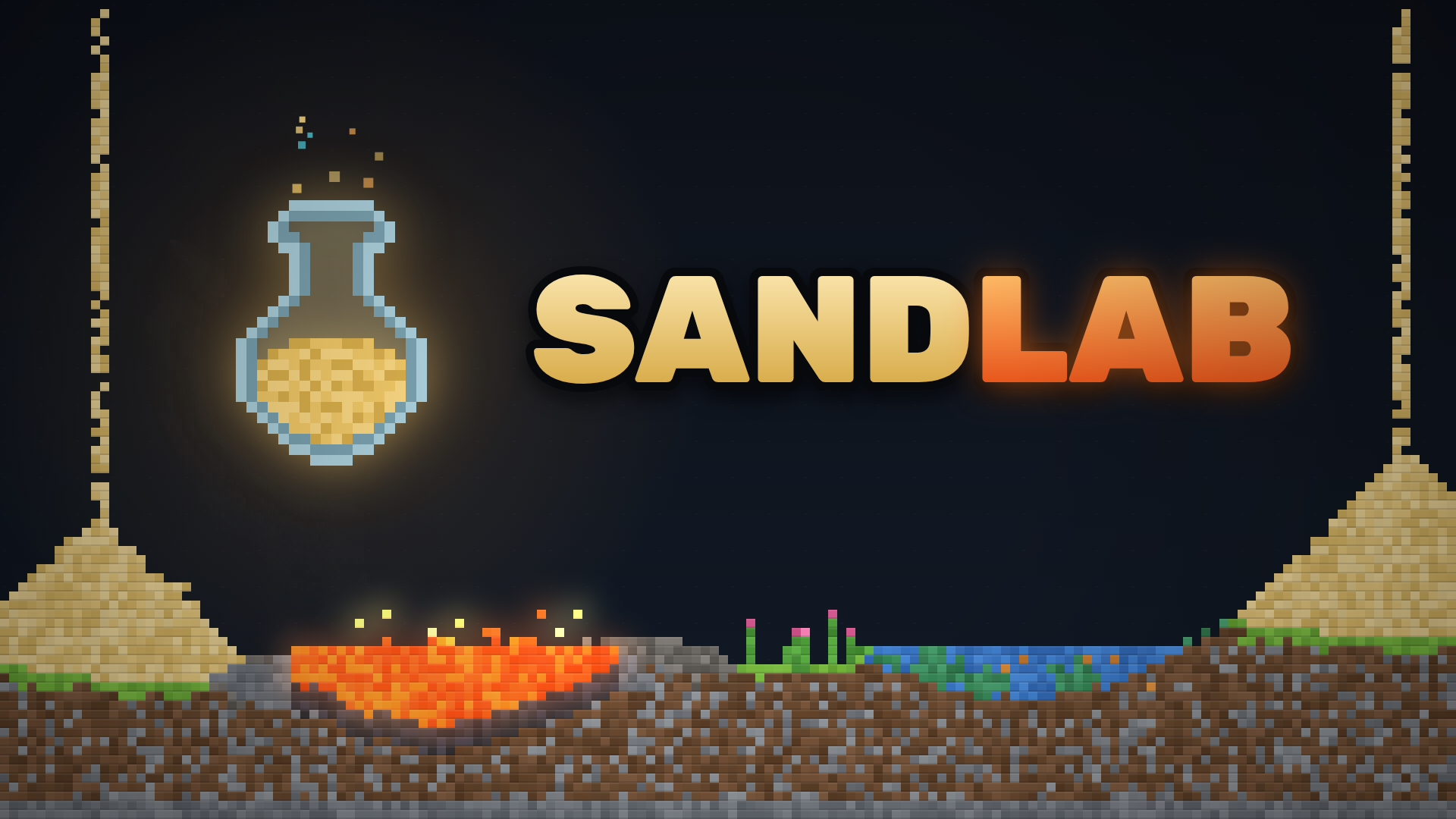
Unleash your inner scientist in SandLab Sandbox Simulator, an expansive falling-sand physics game where every pixel reacts in real-time. Your main objective is to experiment with over 270 materials—ranging from liquids and gases to metals and chemicals—to trigger 199 unique reactions in an open canvas.
Drawing heavy inspiration from classic web-based particle simulators and pixel art chemistry games, the engine simulates realistic thermodynamics and gravity. You can drop lava into water to create steam, watch acid eat through metal, or build complex environments to see how plants grow toward water sources.
Why You Should Play SandLab
This deeply relaxing science simulator offers the ultimate creative playground directly in your web browser.
- Falling-Sand Physics: Watch as individual pixels interact naturally; pour sand, flood it with water, or ignite gunpowder to trigger massive explosions.
- Instant Browser Access: Enjoy this complex sandbox engine smoothly on PC, Chromebook, and mobile devices with zero installations.
- Deep Customization: Take full control of the room settings by altering the temperature from deep space cold to blazing heat, or even turning gravity upside down.
- Scientific Discovery: Fill your in-game lab notebook by completing 20 guided goals that teach you how to forge bronze, bake bread, or light a lamp.
How to Play & Core Mechanics
Navigating the laboratory is as simple as picking a material and drawing on the canvas.
- Step 1 – Starting Out: Select a material or tool from the menu, then click and tap and drag on the screen to draw your elements into the world.
- Step 2 – Core Loop: Combine different elements, like dropping seeds into dirt and adding water, to discover all 199 hidden chemical reactions.
- Step 3 – Progression/Scoring: Complete specific scientific goals to learn the basics, utilizing special elements like the cloner, void, and black hole.
- Step 4 – Mastering the Game: Utilize the heat map and flammability views to analyze your creations, or pause time to step through explosions frame by frame.
Pro Tips & Strategies to Win
- Don’t Fear Mistakes: Don’t be afraid to make a mess; use the Ctrl+Z undo shortcut if an experiment goes wrong, or utilize the void tool to clean up specific areas.
- Use Frame-by-Frame: When testing volatile reactions like bombs or lava, pause the game with the Spacebar and use the period key (.) to advance the simulation one frame at a time.
- Test Extreme Environments: Experiment with extreme environments by using presets like Arctic or Inferno to see how standard materials react to sudden temperature shifts.
Game Controls
Desktop Controls (PC, Laptop & Chromebook)
- Draw & Camera: Left-click and drag to draw materials, Right drag (or Shift + drag) to move the camera, and use the Mouse wheel to zoom.
- Menu Shortcuts: Press Space to pause, Ctrl + Z to undo, V to switch views, and the [ or ] keys to change your brush size.
Mobile Controls (Phone & Tablet)
- Draw & Camera: Tap and drag to draw with your selected material, and pinch the screen to zoom in or out of the canvas.
Frequently Asked Questions (FAQ)
Is SandLab free to play? Yes, you can play SandLab completely free directly in your web browser on ReskVara Bunkurs without any hidden fees or registration.
Do I need to download anything to play SandLab? No downloads or installations are required. The game is built on HTML5 technology and loads instantly on desktop PCs, laptops, and mobile devices.
What is the best strategy in SandLab? The best strategy is to frequently pause the simulation using the Spacebar when testing volatile chemical reactions, allowing you to carefully analyze the physics frame by frame.
👉 Play Similar Games Next: Love endless creativity and realistic element interactions? Check out more free titles in our Simulation & Sandbox Games collection!