






About Cozy Puzzles
About Cozy Puzzles
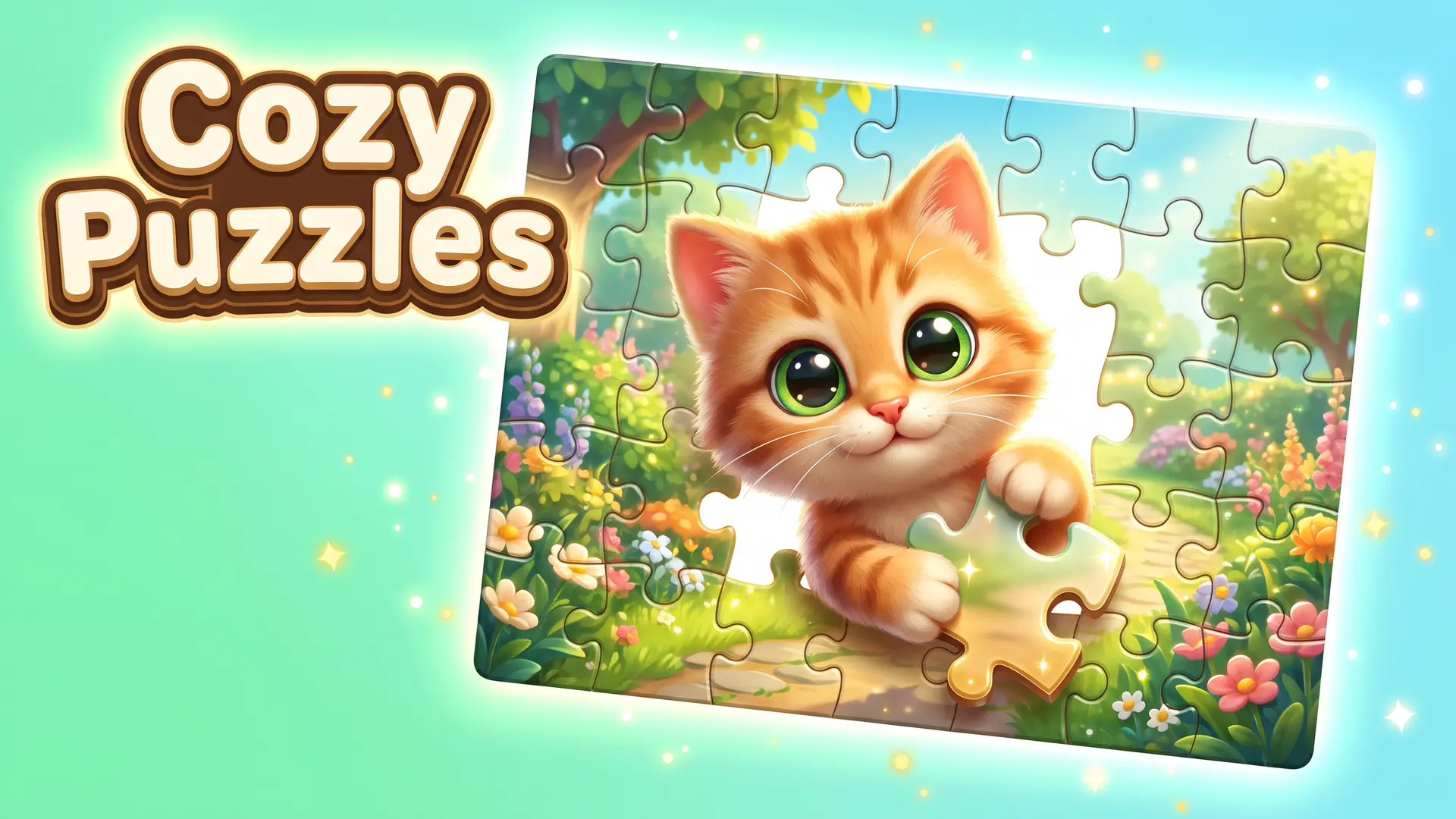
Dive into a world of relaxation with Cozy Puzzles free online, a beautiful browser game dedicated entirely to stress-free jigsaw play. Your main objective is to assemble stunning pictures by snapping pieces together, choosing from over 1,500 images across 44 themed collections like nature, animals, and cozy interiors.
Blending the tactile satisfaction of real-world tabletop jigsaws with the convenience of a relaxing digital simulator, this title allows you to adjust the difficulty from a quick 16 pieces all the way up to a massive 1,024-piece challenge. You can even upload your own images to create custom puzzles, while earning coins and stars to unlock new music, table textures, and menu backgrounds.
Why You Should Play Cozy Puzzles
Experience the ultimate stress-free cozy gaming session directly inside your web browser.
- Massive Image Library: Explore a massive catalog of over 1,500 images spanning diverse themes like space, architecture, cars, and gardens.
- Instant Browser Access: Enjoy smooth zooming and panning controls on your PC, Chromebook, or mobile device with zero installations required.
- Flexible Difficulty Levels: Tailor your relaxing session by selecting any puzzle size between 16 and 1,024 pieces to match your mood.
- Custom Puzzle Creator: Turn your personal memories into playable levels by uploading your own images to create custom jigsaw puzzles.
How to Play & Core Mechanics
Master the art of digital jigsaw building with these relaxing, simple steps.
- Step 1 – Starting Out: Open a themed collection, select a beautiful image, and choose your preferred piece count from the difficulty menu.
- Step 2 – Core Loop: Drag individual pieces onto the puzzle table; matching pieces will automatically snap together when placed near their correct position.
- Step 3 – Progression/Scoring: Complete the jigsaw puzzle to earn coins and stars, which you can use to unlock new collections, album frames, and helpful hints.
- Step 4 – Mastering the Game: Log in regularly to tackle the daily puzzle, complete weekly tasks, and claim items from the reward calendar to 100% your gallery.
Pro Tips & Strategies to Win
- Group Connected Sections: Take advantage of the game’s mechanics by connecting smaller clusters of pieces outside the main board; connected pieces form a group and move together easily.
- Build the Border First: Start by sorting and connecting the straight-edged border pieces to establish a solid framework for the rest of the puzzle.
- Use Tools When Stuck: If you are tackling a massive 1,024-piece puzzle and get overwhelmed, spend your earned coins to use a hint or the auto-solve feature.
Cozy Puzzles – Free Online Relaxing Jigsaw Puzzle Simulator
Desktop Controls (PC, Laptop & Chromebook)
- Move Pieces: Click and drag the mouse to move pieces across the table
- Camera Controls: Use the mouse wheel to zoom in and out, and drag to pan the board
Mobile Controls (Phone & Tablet)
- Move Pieces: Tap and drag to slide puzzle pieces around the table
- Camera Controls: Use a pinch gesture on the screen to zoom and pan the board
Frequently Asked Questions (FAQ)
Is Cozy Puzzles free to play? Yes, you can play Cozy Puzzles completely free directly in your web browser on ReskVara Bunkurs without any hidden fees or registration.
Do I need to download anything to play Cozy Puzzles? No downloads or installations are required. The game is built on HTML5 technology and loads instantly on desktop PCs, laptops, and mobile devices.
What is the best strategy in Cozy Puzzles? Connect smaller clusters of matching pieces first, as they snap together and can be moved as a single group to easily lock into the main puzzle.
👉 Play Similar Games Next: Love relaxing jigsaw mechanics and beautiful artwork? Check out more free titles in our Puzzle & Logic Games collection!