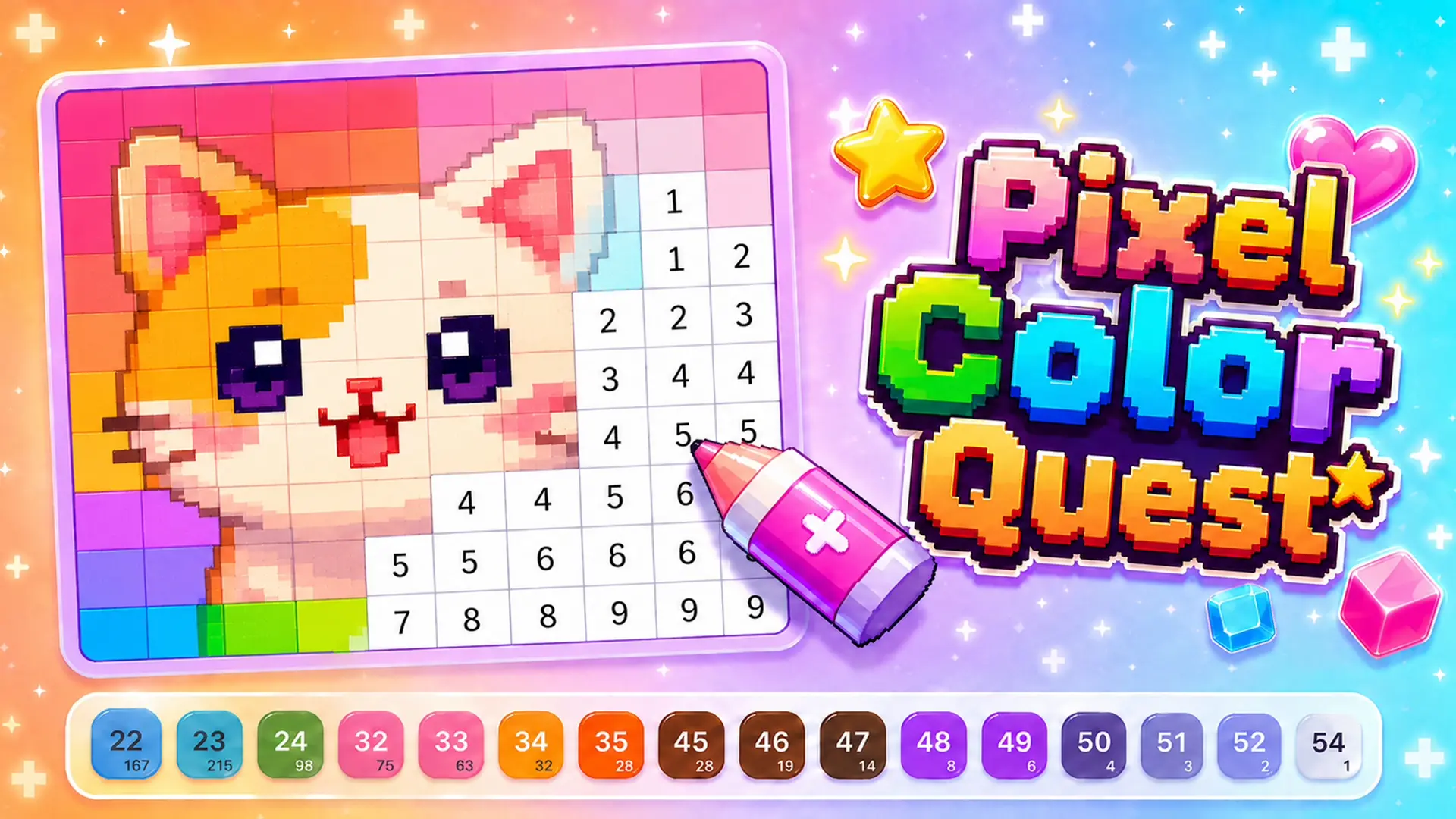












About Pixel Color Quest Game
Unwind and bring charming digital art to life in Pixel Color Quest Game, a relaxing color-by-number puzzle experience. Your goal is to transform blank grid fields into stunning, colorful pixel artworks by matching numbered cells to their corresponding color shades.
The game caters to all mood types, offering everything from simple, quick warm-up drawings to massive, highly detailed canvases that challenge your focus and patience. With multiple themes spanning cute animals, landscapes, and creative objects, you can take on a relaxing casual break or dive into an extensive coloring quest. There are no timers or rush—simply pick your favorite image, match the digits, and watch your vibrant pixel masterpiece appear block by block.
Why We Recommend Playing Pixel Color Quest Game
Color-by-number puzzles provide a calm, meditative escape that boosts focus without causing stress. Here is why this pixel art game stands out:
- Diverse Theme Selection: Explore a rich library of pixel art designs featuring cute characters, animals, and intricate patterns.
- Variable Difficulty Levels: Choose between simple grids for quick stress relief or large, complex pictures that demand close attention to detail.
- Intuitive Numbered Palette: A clean color bar displays active numbers and tracks your remaining cells so you never lose your place.
- Relaxing, Pressure-Free Gameplay: Enjoy coloring at your own pace with no countdown timers, lives, or penalty systems.
- Seamless Cross-Platform Controls: Simple mouse clicks on PC and smooth touch controls on mobile make filling cells effortless.
How to Play Pixel Color Quest Game
Bringing a blank pixel canvas to life requires just a few simple steps:
- Select a Picture: Browse the catalog and pick a pixel art design that matches your preferred theme and challenge level.
- Choose a Color Number: Look at the palette bar at the bottom and select a number to highlight matching grid cells.
- Fill the Grid: Click or tap the matching numbered cells on the canvas to fill them with the active shade.
- Clear Remaining Colors: Work through each number in the palette until all corresponding cells on the board are completely filled.
- Complete the Masterpiece: Finish the final cell to reveal the completed, borderless pixel illustration.
Pro Tips for Pixel Artists
- Follow Numbers Sequentially: Work through one color number at a time across the entire canvas; this helps you clear out large background sections quickly and reduces visual clutter.
- Use Edge Outlines First: Fill the outermost boundary lines of the subject before working toward the center to clearly define the shape of your artwork.
- Track the Palette Counters: Check the tiny counts under each color in the palette bar to identify colors with only one or two remaining cells, helping you spot tricky isolated blocks.
Controls
Desktop Controls (PC & Laptop)
- Select Picture / Color: Left-Click a picture in the menu or a number on the color bar.
- Fill Cells: Left-Click on any matching numbered cell to paint it.
Mobile Controls (Smartphone & Tablet)
- Select Picture / Color: Tap a design or color number to equip it.
- Fill Cells: Tap directly on matching numbered grid squares to color them.